Organic things really sound healthier. Organic foods , Organic Creams and so on. Things are really becoming organic. Well It was back in 2013 when electronics also become organic. In 2013 LED were started to be replaced by their organic version called as Organic LED or simply OLED. OLED were first introduced in Televisions similar to LED. OLED TV’s became a thing then. Sitting in the current year writing about a technology 6 years old doesn’t make a sense, right?. Well it does make sense. OLED panels and screens are being widely used nowadays so it’s important to know about them.
DISPLAY’S
It’s surprising to know that a display panel can be manufactured only in two ways. Market has been fooling it’s customers when advertising about display screens. Retina display’s , Quantum dots and what not ,they are ultimately the same thing under different names. It’s like having two passports with different names on them. That would be fun though.
Two types of technology ever invented to manufacture dislays are:-
- Liquid Crystal Display with a back-light
- Plasma Display (Now called as OLED )
LCD 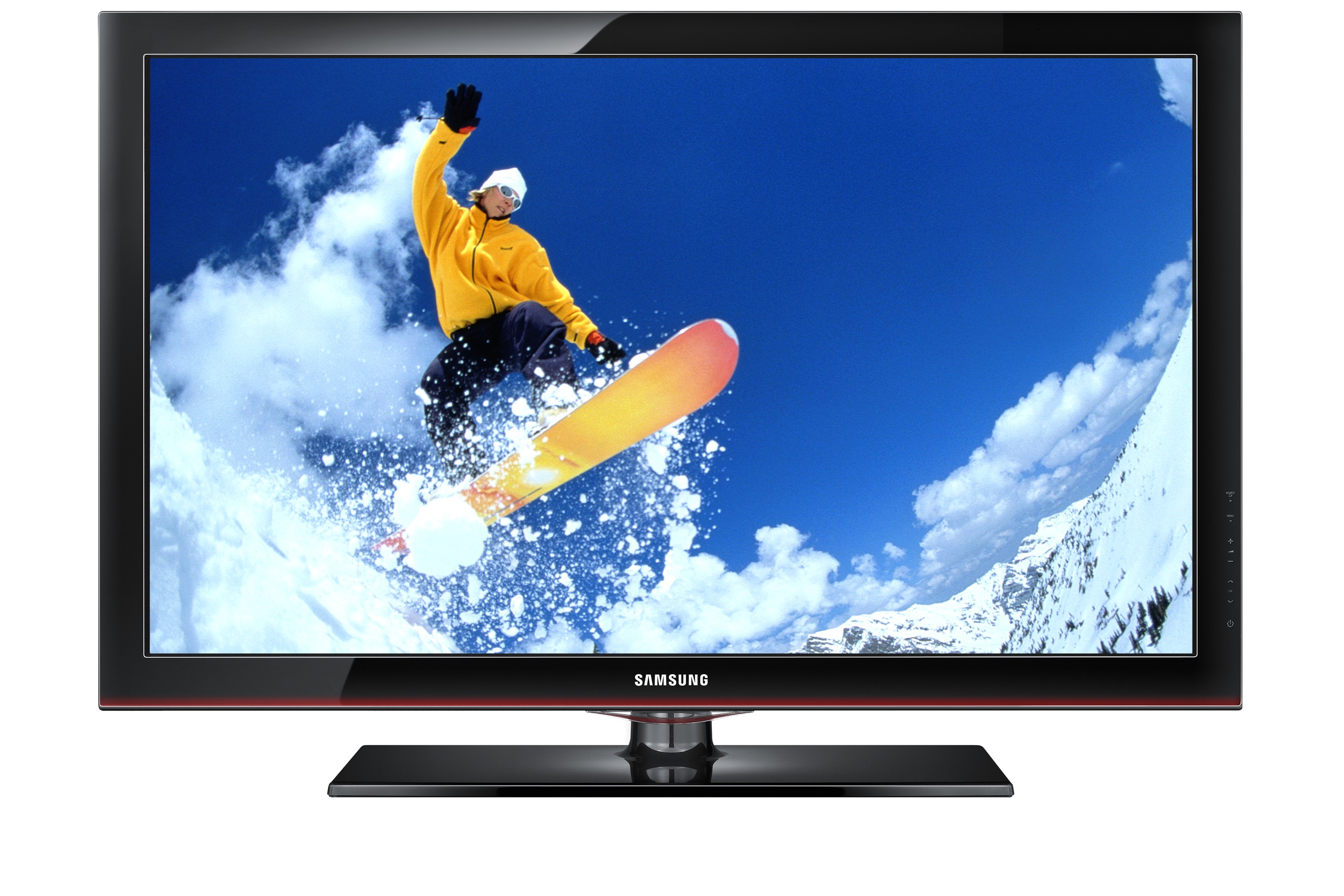
PLASMA
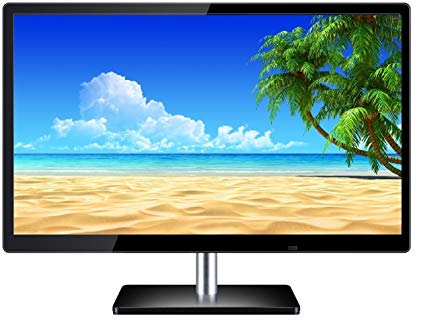
LIQUID CRYSTAL DISPLAY
The most basic way to manufacture a display screen is using crystal molecules. I warn you some science is coming your way but I will try to make it as simple as I can.
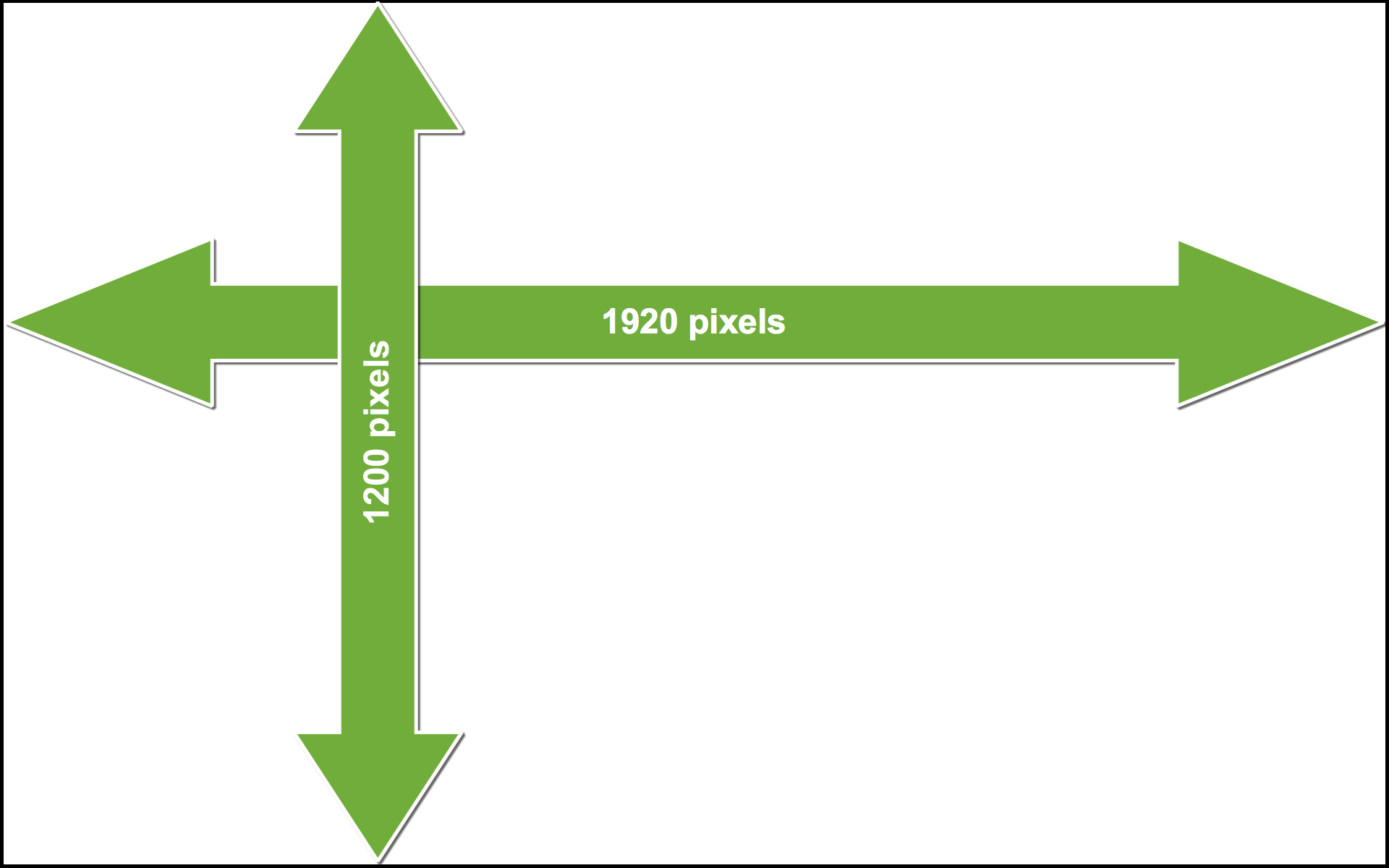
Let us do this by taking an example. Let us assume we need to manufacture a 1920 vs 1200 pixels screen. It simply means we need a screen which has 1920 pixels side to side and 1200 pixels from top to bottom. It means it has a total of 1920 x 1200=2304000 pixels. But what exactly are pixels? In a layman language pixels are nothing but dots. Dots that make up the screen. In our example our screen is made up of 2304000 dots!
Here is a fun fact Pixel was originally designed as a term for color coding in computer programming but later on it became a unit. A unit to measure quality of display. More pixels better the quality.
Continuing on LCD’s. Behind the screen made up of dots we have a back-light. The source of this back-light can vary from CCFL’s to LED’s. Nowadays LED are preferred because they are smaller than CCFL’s and much cheaper and energy efficient. Use of LED’s in the back-light is what made LCD much much slimmer than what they were. Now you know how TV’s became slimmer without exercising. This is were LED got itself into market.
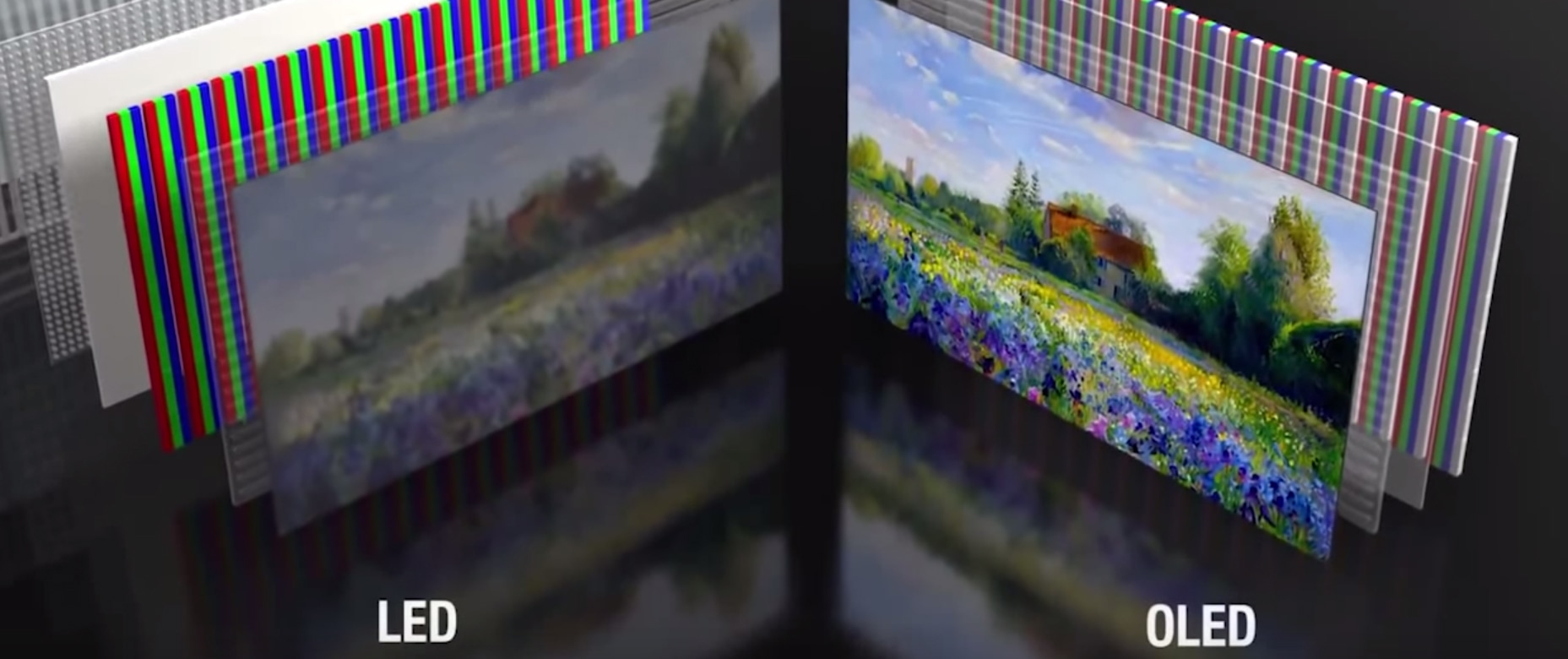
Screen comprising of dot is physically made up of crystal molecules. When an electric field is applied across these crystals , they polarize and allow light to pass through them. Colors:Red, Green, Blue can mix up and make up any color. By allowing them to pass in different variation and proportion can make up any color. By not allowing to pass any color light, it produces a black screen. Which means to even produce a black color the back-light needs to be on. Without back-light the display doesn’t work. Thus consuming more energy. This is where Plasma technology is better.
PLASMA TECHNOLOGY
There are two kinds of group. One which has a leader and other members support there leader to run the group. Another type of group is in which everyone is the leader. Everyone influences the group same as another members do. Latter one is rare. Quite rare. OLED technology is the latter type. There is no back-light in OLED. Every Pixel is made up three small LED’s. Red , Green , Blue. No Electric field involved, no science to haunt. It’s much easier tech to build than LCD but a lot expensive. If we plan to manufacture a 1920 x 1200 pixel screen. It means a screen with 2304000 pixels in it. It means we require 230400 LED lights each of Red , Green and Blue.
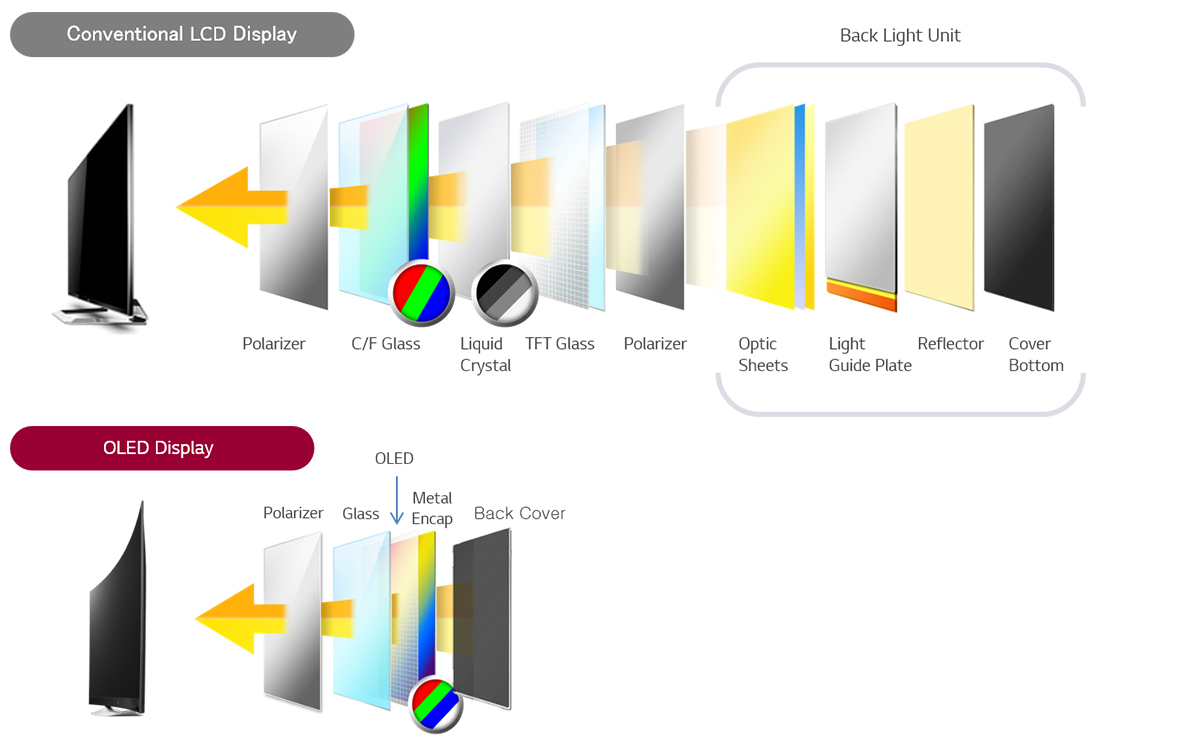
Since we have allowed each pixel or let us say each dot to have it’s own light. It means each of dot has same influence as another. Now every dot can produce it’s own color by switching on RGB LED’s that it has, in different variation and proportion to produce all kinds of colors. But how will they produce black color? There is no filter or crystals in such screen like LCD which will block light coming from pixels. It has a very simple answer. Switch off the pixels of that part of the screen where black has to be displayed. By doing so we are saving energy. We are saving battery.
I have not talked about plasma tech yet. I decided to write first about newer version of plasma which is OLED so that we can understand the difference easily. But you will notice we have not yet used OLED anywhere we were manufacturing both kinds of displays. We used LED’s in both first back-light LED’s and then LED’s in pixels. In both tech we have used LED’s. Now let us first talk about the plasma tech.
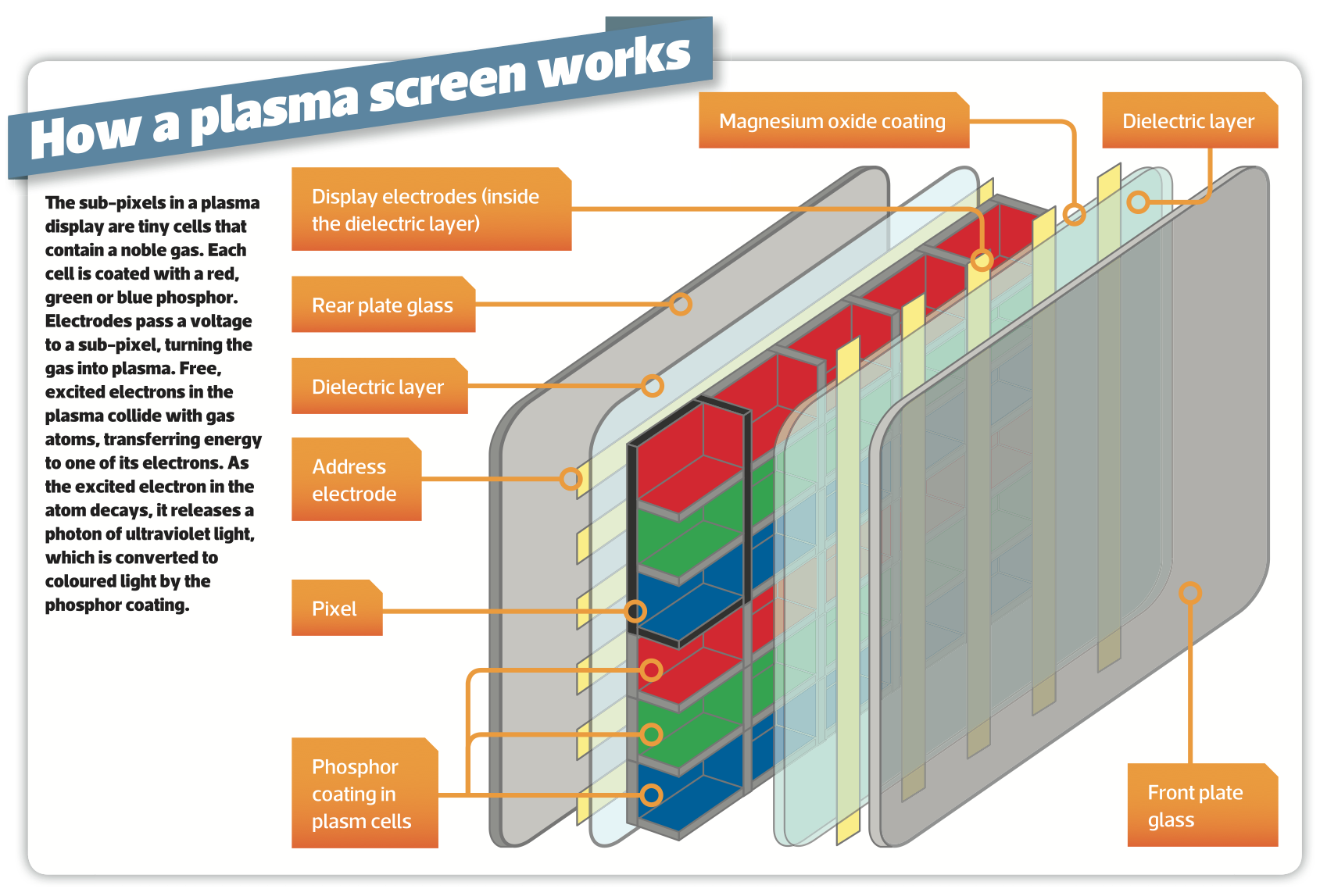
Second kind of display which is giving every pixel it’s own light was first used in plasma tech. Plasma tech is not used nowadays. In a plasma, little cells of noble gases, usually Neon and Xenon, are excited into supercharged state known as the plasma state. In this state these gases emit ultraviolet light. The ultraviolet light itself is not visible. However pixel are coated with phosphors. Phosphors cells absorb this ultraviolet light and then re-emit it as light in the visible spectrum. All this noble gas thing takes place inside every pixel. Every pixel is coated with RGB phosphors. You will better understand in the below image.
OLED
Instead of applying Red , Green and Blue phosphorus over each dots(pixels) and using noble gases to produce light. It was better to use artificial lights like LED’s. But LED light’s were not so successful in such tech. Since this entire technology was based on organic substances this is what led to invention of OLED.
OLED is basically a LED which consist of organic compound thin layer which emit light when electric current is passed through them. OLED are smaller (almost invisible to naked eye). It’s a nano tech. Hence quite expensive unlike LED’s. Organic layer is situated between electrodes (which are almost transparent). Each pixel is made up OLED instead of noble gases and phosphorous. Each OLED can produce RGB hence it can produce any color.
When we start making OLED display’s we can arrange pixels in two forms:-
- Passive-Matrix (PMOLED) :- In such form pixels are interdependent meaning changes to one pixel may affect other pixels. These changes generally occur in row or a column.
- Active-Matrix(AMOLED) :- Active matrix every pixel is active and is independent. It is more commonly used form.
DARK MODE THEME
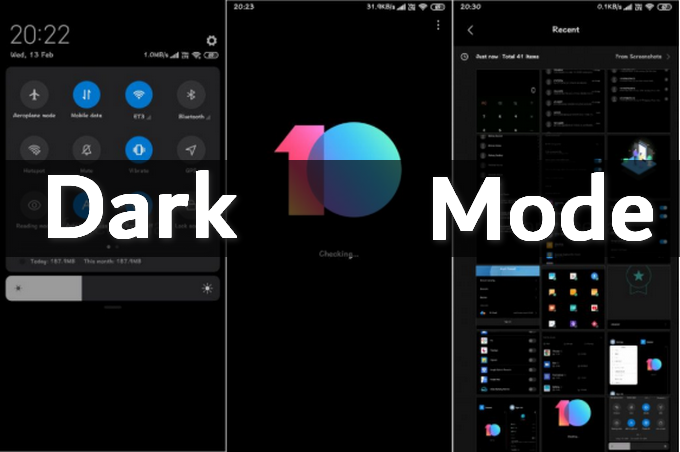
Lot of apps have been coming out with dark mode theme. What dark mode does is that it makes background black which helps to read comfortably even in night with no light. If you are using smartphone which has OLED display it also saves your battery. Because black background means most of the pixel have shut down in the background to make it look black saving you about 10-20% of your battery at the end of the day.
LET’S CONCLUDE
LCD are old but they will remain in the market forever. There has been a lot of improvement in picture quality of LCD after LED were used in back-light panel. But the picture quality that OLED brings on the table is untouchable. It is much lighter and cleaner tech. It’s ability to produce true blacks and high color contrasts means it is tech of next generation. It produces image that looks the same with different viewing angles. Now you can sit on corner seat and still enjoy the movie in movie theaters or even in your living room. The only major disadvantage OLED has in the market is that ; it is expensive.
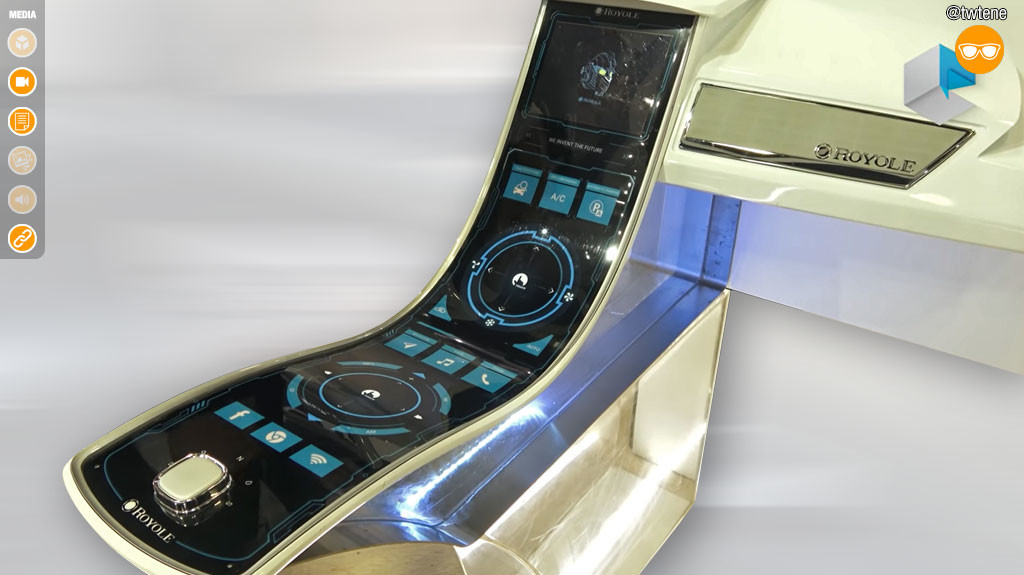
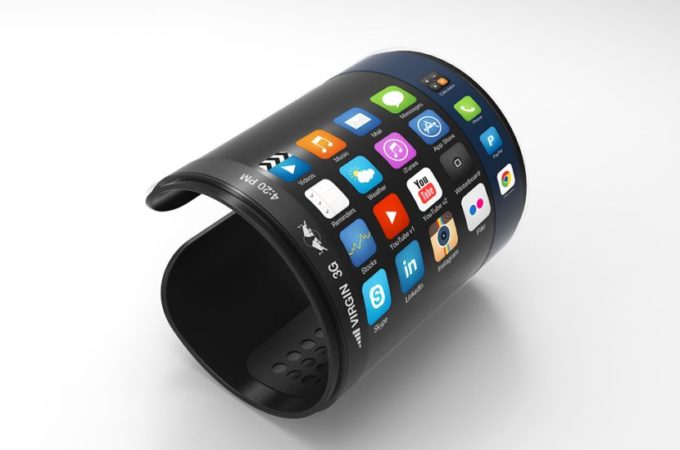
OLED can also produce flexible screens. Curved TV’s. Fold-able smartphones. Wrist watches with display. All these inventions are being possible because OLED which speaks volumes how big of a invention it was. Next big thing which OLED can produce is “In Air Display“. It sounds like a fantasy but it is very much possible. Creating transparent display or a very slim screen almost invisible to see , only OLED can achieve that.
Below is the list of all kinds of display’s that we know exist in the market :-
- LCD with LED back-light
- OLED Display
- Plasma Display
- AMOLED Display (Version of OLED)
- QLED (Quantum Dots LED) :- It is a better version of LCD. It uses quantum dots in back-light which emits better and brighter colors. It is a technology introduced by Samsung in 2018. It’s picture quality is surprisingly similarly to OLED.
- Retina Display :- It is a term used by Apple. Retina display is nothing but LCD display. While Super Retina Display used by apple means OLED display.
- Ultra 4k HD Display :- It is actually not a technology. It simply means a screen usually LCD which can display picture quality 4 times better than HD. HD quality means screen has 1920 x 1080 pixel. While 4k ultra HD will have 1920x1080x4 pixels which is about 8.2 million.
A last piece of information. Every LCD display has a resolution limit to it. For example 720p LCD screen means it can run a video or display a image with a maximum resolution of 720p. If you run a lower resolution video on it the results are average. Picture only looks good when displayed in 720p. This is also where OLED is better as it is self adjusting and can run all kinds of resolution.